
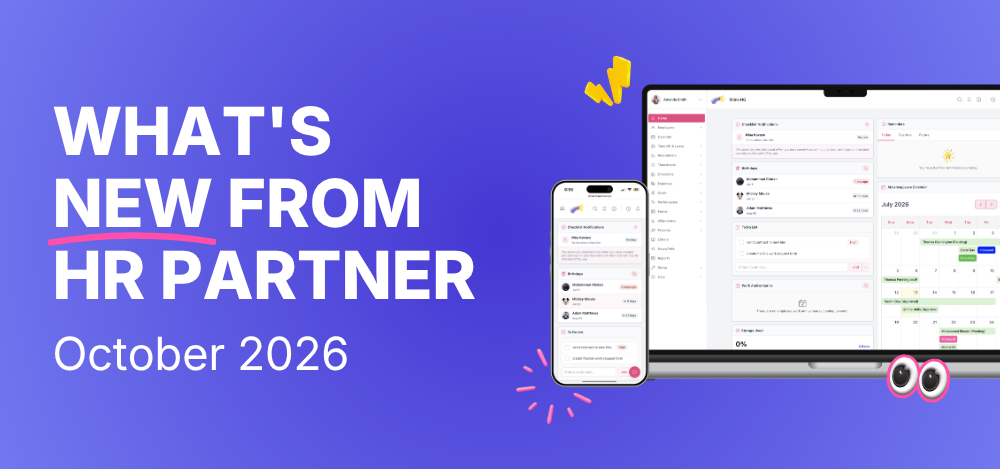
Welcome to our first monthly product update! Each month, we’ll share what’s new in HR Partner, what’s changed and how the latest enhancements can make managing your people a little easier.
We build HR Partner for you, and every piece of feedback, idea and suggestion you share helps shape what we work on next. Thank you for helping us continually develop HR Partner.
This month, we’ve made updates to ESS notifications, employee record privacy controls, sorting and the leave calendar. Let’s take a look.
ESS Notifications
Keep the Right People Informed
You can now send Employee Self-Service (ESS) Portal notifications to multiple Admin Users instead of just one. If more than one person needs to stay informed about employee activity, you can choose the right people to receive those updates without relying on one administrator to pass information on.
Your existing notification settings and the events that trigger notifications haven’t changed. Simply update your recipients under Setup → Configure → ESS Portal. This update applies to ESS Portal notifications; leave notifications already supported multiple recipients.
Privacy Controls
More Control Over Employee Record Access
Not every Admin User needs access to their own employee record in the Admin Portal. With our new optional privacy control, you can decide whether administrators can view their own employee information while continuing to manage the rest of the team as normal.
To use it, first link the Admin User to their employee record, then untick Allow this admin user to access their own employee record. This hides their own employee record and employee-specific information from them in the Admin Portal. The option is ticked by default, so existing access stays the same unless you change it. Their Employee Portal access and existing approval permissions are unaffected.
Improved Sorting
Find Files More Easily
When you’re looking for a particular document, scrolling through a long list takes time. We’ve improved sorting across the Company Library, My Documents, Performance Management (Files tab), Recruitment (Applications and Applicant screens) and Expenses, making it easier to organise and locate information.
You can sort by file name (A–Z or Z–A) or upload date (newest or oldest). Whether you’re tracking down a document or looking for a recent upload, these options give you more flexibility when working with files in HR Partner.
Leave Calendar Improvements
A Clearer View of Employee Absences
When several employees are away on the same day, keeping track of who’s available can get tricky. We’ve updated the leave calendar to keep days with multiple absences more compact, rather than expanding to display every entry.
The result is a clearer view of employee leave, making it easier to scan busy periods and see who’s away when you’re planning leave or managing team availability.
Have You Explored the Refreshed Admin Portal?
There’s more to discover in the refreshed Admin Portal, from the new look and mobile experience to Custom Forms and Ada, your AI Assistant. If you haven’t caught up on these updates, you can find out more in these posts:
- The biggest HR Partner update ever
- A brand new look for HR Partner
- HR Partner is now fully mobile optimized
- Custom HR Form Builder
- Ada AI Assistant: now built into more of HR Partner
Ready to see what’s new?
Already using HR Partner? Log in to your account.
New to HR Partner? You can start a free trial or book a demo to see how it works.